Quick answer
Download and open game content before going offline. Core game sessions are designed to work without an active connection, while Google Play purchases, sign-in, worldwide leaderboards, ads, and reward verification need internet.

 Swipe2PlayDownload
For Android players who want several fast games in one download, Swipe2Play is a strong offline-friendly choice. It combines driving, reflex, arcade sports, running, math, color, survival, and balance challenges in one swipeable app.


Quick answer
Download and open game content before going offline. Core game sessions are designed to work without an active connection, while Google Play purchases, sign-in, worldwide leaderboards, ads, and reward verification need internet.
Android devices vary widely in storage, memory, screen size, and background-data behavior. A good offline game should not depend on a flagship phone or silently download large files after you have already left Wi-Fi.
For under three minutes, try Color Switch, Penguin Balance, or Pencil Survival. For a repeatable five-minute score chase, choose Air Hockey 3D, Truck Town, or Sprint Rivals. Worm Arena fits the moments when you can stay with one run for longer.
Math Quiz is the outlier in a useful way: it replaces pure reaction with a quick cognitive challenge, which makes the collection more versatile than an arcade-only bundle.
Turning off radios can reduce network activity, but graphics, screen brightness, and frame rate still affect battery life. Lower brightness, close heavy background apps, and avoid assuming that “offline” automatically means low power.
On a long journey, shorter games and intentional breaks usually preserve more battery than leaving any game running continuously.
Games that fit the device
Endless driving
Best for fast reaction runs.
Reflex survival
Best for short, high-pressure sessions.
Arcade sports
Best for quick score chasing.
Sprint racing
Best for speed and timing.
Symbol-drawing reflex
Best for focus and precision.
Brain training
Best for mental warmups.
Colour timing arcade
Best for one-more-try rounds.
Snake arena survival
Best for longer competitive runs.
Balance and reaction
Best for light, playful sessions.
Penalty shootout
Best for streak chasing.
Duel shooter
Best for pure reaction tests.
Fishing arcade
Best for upgrade-driven runs.
Lane battle strategy
Best for longer tactical sessions.
Air traffic control
Best for planning under pressure.
Direct answers
Swipe2Play is a strong fit for variety because multiple genres live in one swipeable feed and the downloaded mini-games are designed for offline-friendly play.
Yes. Use the Google Play button on this page to open the official Swipe2Play listing for Android.
Google Play may require an account to install the app. Swipe2Play supports guest-style play, while account linking, purchases, and sync require a connection.
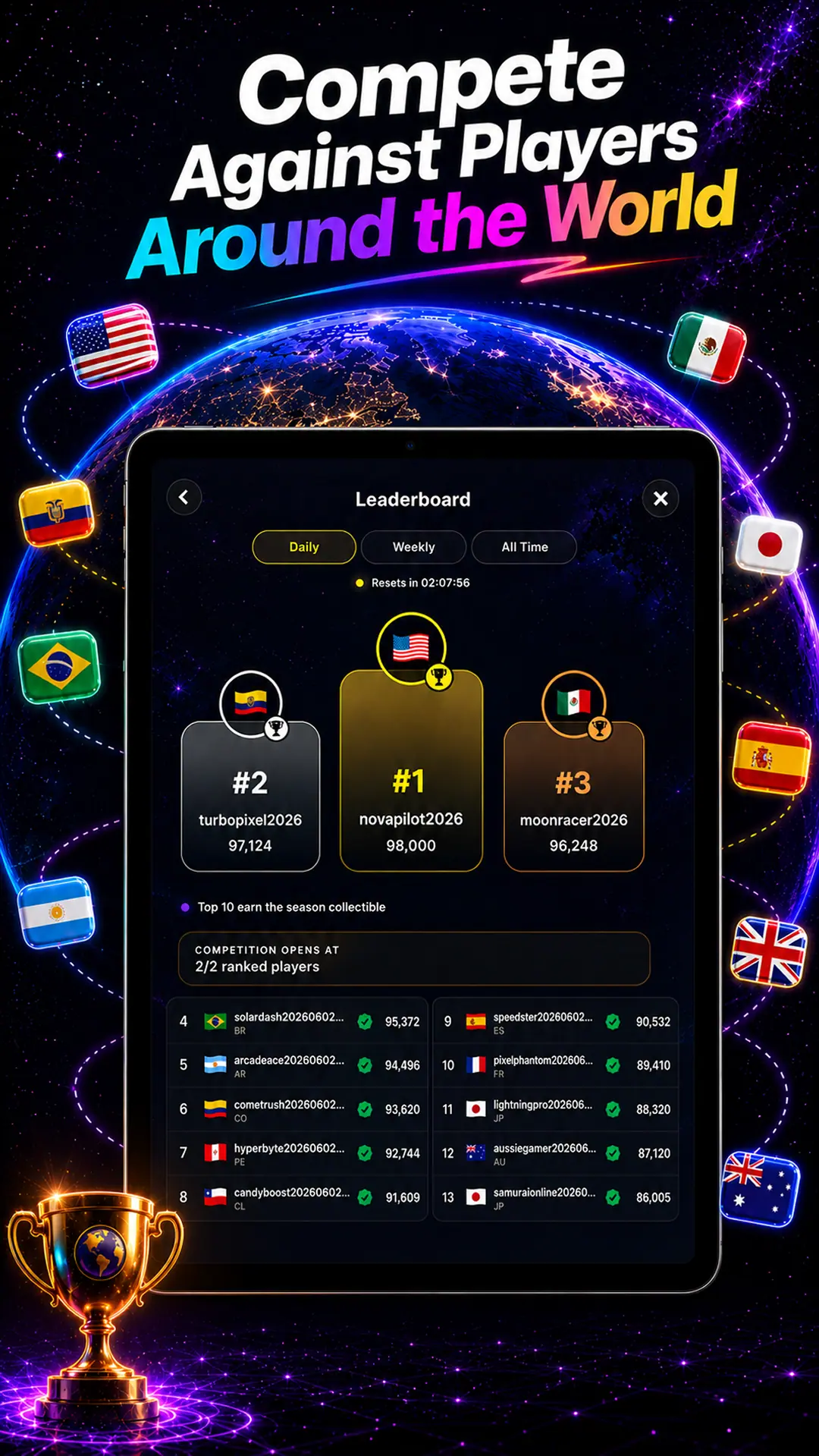
No. Leaderboards require a server connection to submit and compare verified scores.
Keep exploring

Download once. Keep a game ready.
Get Swipe2Play for iPhone or Android, prepare while connected, then play downloaded mini-games when Wi-Fi disappears.