Quick answer
That makes Swipe2Play offline-friendly rather than disconnected from every online service. The useful question is not whether the app ever uses internet; it is whether the actual game round remains available when the network is gone.

 Swipe2PlayDownload
A precise answer, without vague claims
Downloaded Swipe2Play mini-games are designed to start and play without an active internet connection. You still need internet for installation, updates, worldwide leaderboards, account authentication, purchases, ads, and verified collectible progress.


Downloaded mini-games
Start a real round after preparing game files while connected.
Scores, accounts & rewards
Shared services need a server even when gameplay does not.
Quick answer
That makes Swipe2Play offline-friendly rather than disconnected from every online service. The useful question is not whether the app ever uses internet; it is whether the actual game round remains available when the network is gone.
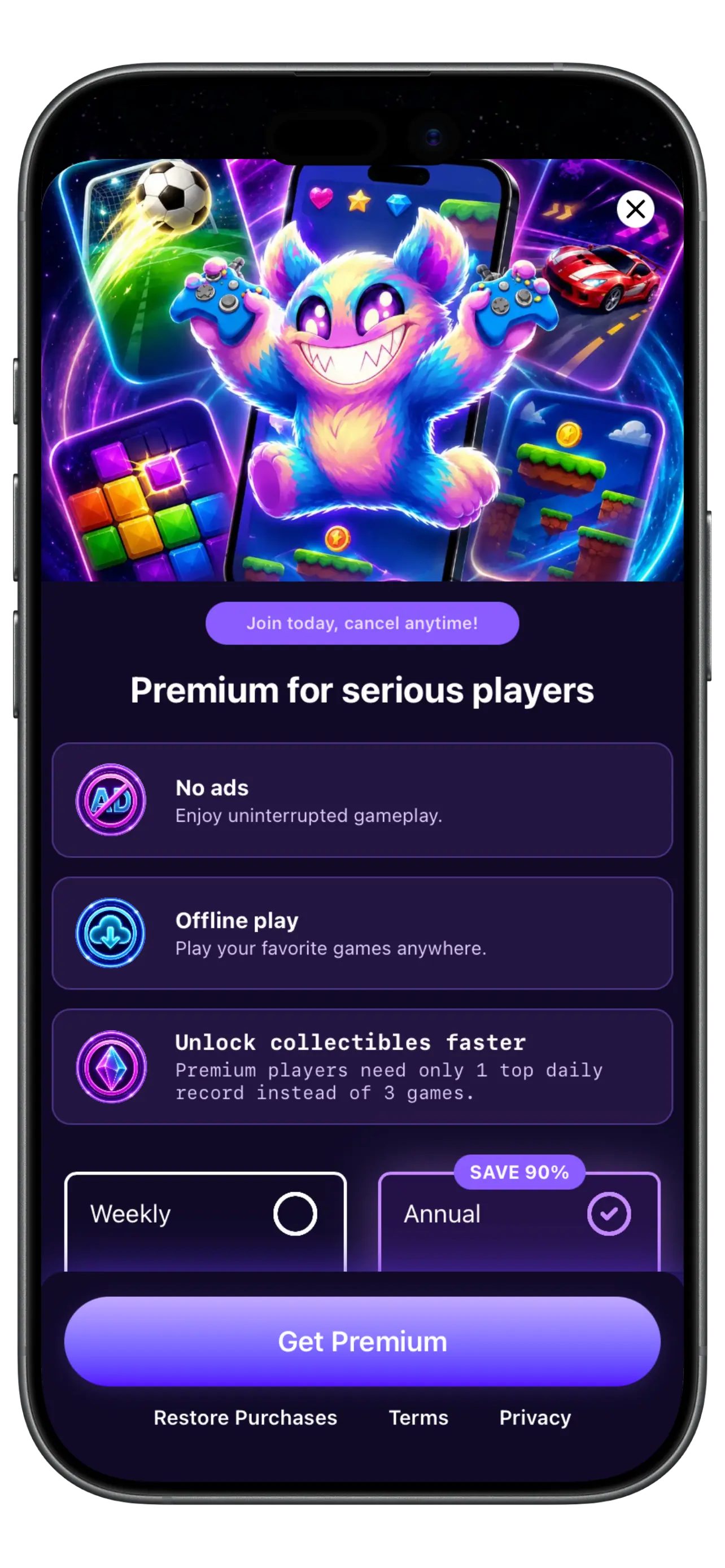
Connection diagnostic
Open downloaded games without an active Wi-Fi or cellular connection.
Scores and worldwide rankings need a connection to sync.
Sign-in, restore purchases, and subscription changes use online services.
Progress and reward eligibility are verified online.
Store descriptions frequently collapse several different behaviors into one word. Separating them makes it easier to choose and test a game honestly.
A global leaderboard must compare your score with data stored elsewhere. Sign-in needs an identity provider. Purchases require Apple or Google to confirm entitlement. These are not signs that the game round is fake; they are separate network services.
Good product communication names each boundary. Swipe2Play keeps its offline-play promise focused on downloaded mini-games and identifies rankings, accounts, purchases, ads, and rewards as connected features.
While connected, update the app and open the mini-game you want. Close the app, enable airplane mode, reopen it, and complete a real round. Check whether progress remains when you leave and return. Reconnect afterward so online systems can catch up.
Repeat this test after major updates. New assets or changed game versions may need one connected launch before they are ready for a trip.
Direct answers
Downloaded mini-games are designed for offline play. Install, update, and open your preferred games before disconnecting to ensure all required assets are present.
Leaderboards compare verified scores from many devices, so they must communicate with a shared server.
No. Subscription purchases, renewals, cancellations, and restore-purchase checks are handled by Apple or Google and require a connection.
It can. Turn off cellular data too, or use airplane mode, when you want to test a truly internet-free session.
Keep exploring

Download once. Keep a game ready.
Get Swipe2Play for iPhone or Android, prepare while connected, then play downloaded mini-games when Wi-Fi disappears.