Quick answer
The app’s downloaded games are designed for offline play. Reconnect for leaderboards, sign-in, purchases, ads, and collectible progress. On flights, always follow crew instructions and keep airplane mode enabled when required.

 Swipe2PlayDownload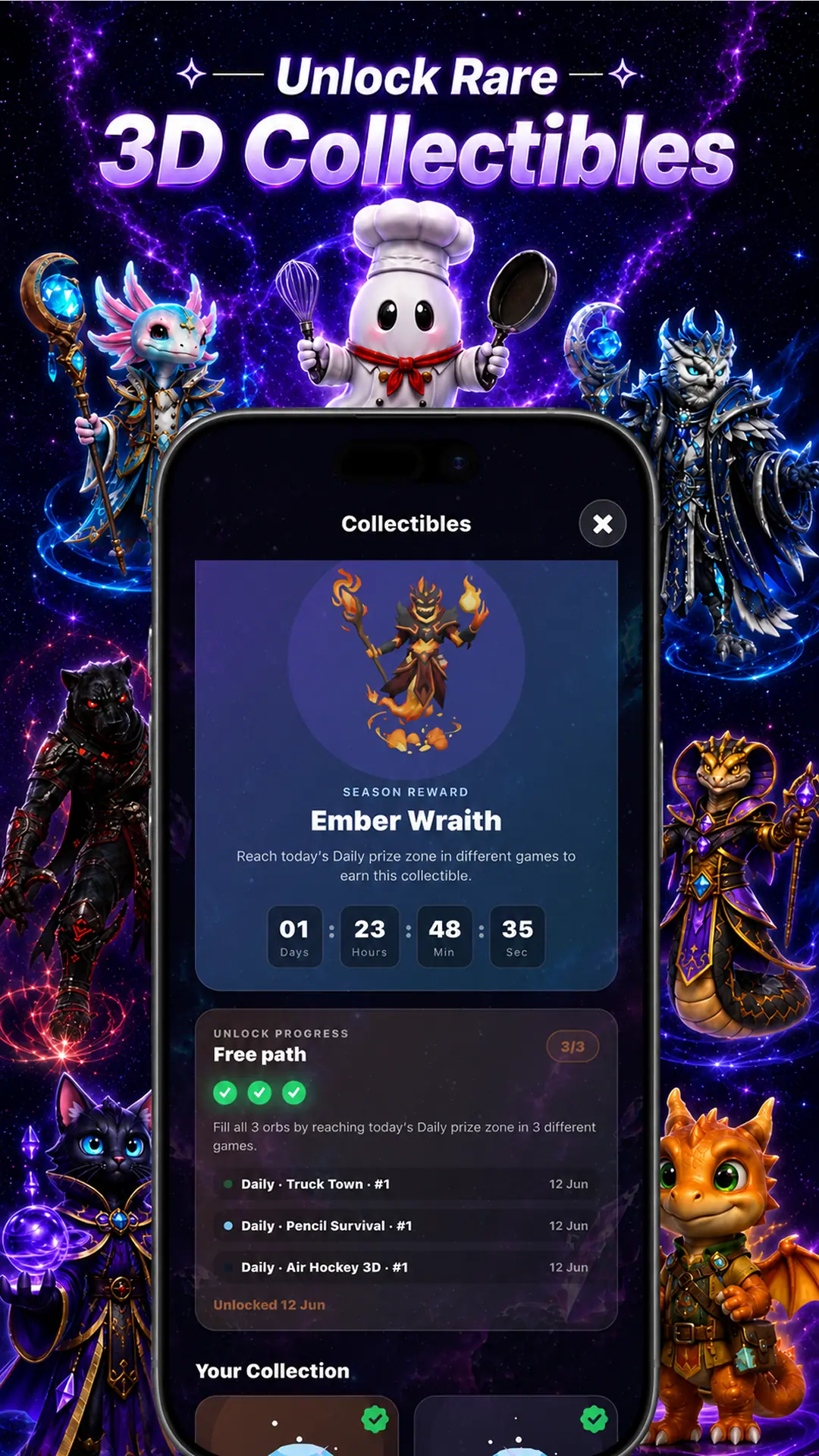
Pack entertainment before the signal disappears
Swipe2Play is useful for travel because one app provides several session lengths and game styles. Download and test the mini-games before departure, then use them during airplane mode, tunnels, remote drives, or expensive roaming periods.


Quick answer
The app’s downloaded games are designed for offline play. Reconnect for leaderboards, sign-in, purchases, ads, and collectible progress. On flights, always follow crew instructions and keep airplane mode enabled when required.
Your offline route
Do not wait until boarding to discover an update, expired entitlement, or missing asset. Prepare while power and Wi-Fi are easy to find.
Boarding queues and station platforms favor compact rounds such as Color Switch or Penguin Balance. A longer train segment can support Worm Arena or repeated Truck Town runs. Math Quiz is useful when you want a different mental rhythm from pure arcade play.
On road trips, only passengers should play. Drivers should never interact with a game or handheld screen while operating a vehicle.
Airplane mode prevents background network use, but the screen remains one of the largest power draws. Reduce brightness, use shorter sessions, and fully close video-heavy apps you are not using.
If you reconnect through roaming, wait for trusted Wi-Fi before large updates. Scores and online extras can sync later; entertainment should not create an unexpected data bill.
Open downloaded games without an active Wi-Fi or cellular connection.
Scores and worldwide rankings need a connection to sync.
Sign-in, restore purchases, and subscription changes use online services.
Progress and reward eligibility are verified online.
Direct answers
Yes, downloaded mini-games are designed for offline play. Prepare them before boarding and follow airline rules for airplane mode and device use.
Passengers can switch between quick reflex games, Math Quiz, arcade sports, driving challenges, and Worm Arena inside Swipe2Play. Drivers should never play while driving.
Yes. Opening each game while connected helps ensure required assets are downloaded before the cabin loses internet access.
Online rankings and verified rewards require a connection. Reopen the app after reconnecting so supported account and competition features can update.
Keep exploring

Download once. Keep a game ready.
Get Swipe2Play for iPhone or Android, prepare while connected, then play downloaded mini-games when Wi-Fi disappears.