Quick answer
Turn on airplane mode before your trip and open the games you plan to use. Gameplay can continue offline, but global leaderboards, account sync, subscriptions, ads, and weekly reward verification wait until you reconnect.

 Swipe2PlayDownload
No signal, still playing
The best no-WiFi setup is an app you download and test before leaving a connection. Swipe2Play keeps a rotating selection of downloaded mini-games ready for offline-friendly play on iPhone and Android.


Downloaded mini-games
Start a real round after preparing game files while connected.
Scores, accounts & rewards
Shared services need a server even when gameplay does not.
Quick answer
Turn on airplane mode before your trip and open the games you plan to use. Gameplay can continue offline, but global leaderboards, account sync, subscriptions, ads, and weekly reward verification wait until you reconnect.
Connection diagnostic
Open downloaded games without an active Wi-Fi or cellular connection.
Scores and worldwide rankings need a connection to sync.
Sign-in, restore purchases, and subscription changes use online services.
Progress and reward eligibility are verified online.
Offline failures usually happen because the app was installed but its extra game files were never opened. Preparation takes only a few minutes and is more reliable than trusting a store description at the airport gate.
A phone can lose Wi-Fi and still use cellular data. If your goal is truly zero internet—for a flight, data limit, or remote area—test with both Wi-Fi and cellular data disabled. Airplane mode is the simplest real-world check.
Swipe2Play describes itself as offline-friendly because the mini-games and the online layer serve different jobs. The game round should remain useful without a network; rankings and verified rewards naturally depend on one.
Pick by the time you have. Color Switch, Air Hockey 3D, and Pencil Survival suit very short breaks. Truck Town and Sprint Rivals reward repeated timing practice. Worm Arena is better when you want a run that can develop for longer.
Keeping different genres in one app also helps a shared device: one person can prefer a math challenge while another wants driving, arcade sports, or survival.
Direct answers
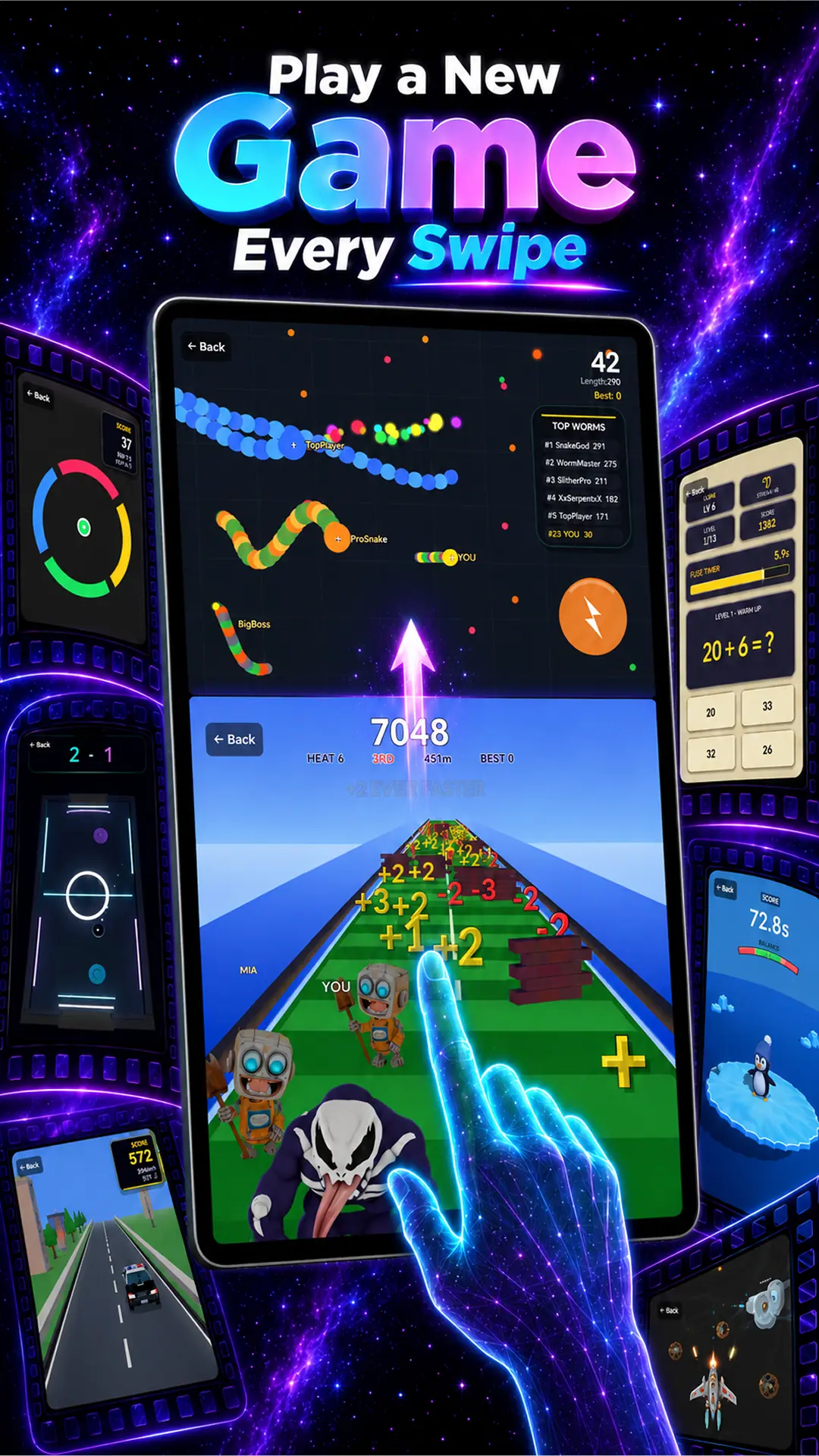
Downloaded Swipe2Play mini-games such as Truck Town, Pencil Survival, Air Hockey 3D, Sprint Rivals, Math Quiz, Color Switch, Worm Arena, and Penguin Balance are designed for offline-friendly sessions.
Advertising normally requires a connection. Ad availability should not be confused with whether downloaded gameplay can run offline.
No. Worldwide leaderboards need internet to submit scores, verify results, and load other players' rankings.
Open it once while connected, enable airplane mode, and start a real round. This is more dependable than checking whether the home screen merely opens.
Keep exploring

Download once. Keep a game ready.
Get Swipe2Play for iPhone or Android, prepare while connected, then play downloaded mini-games when Wi-Fi disappears.