


Swipe2PlaySwipe2PlayDownload

iPhone and iOS answer guide

What are the best offline games for iPhone?

Reviewed June 22, 2026Official Swipe2Play guideEnglish · US

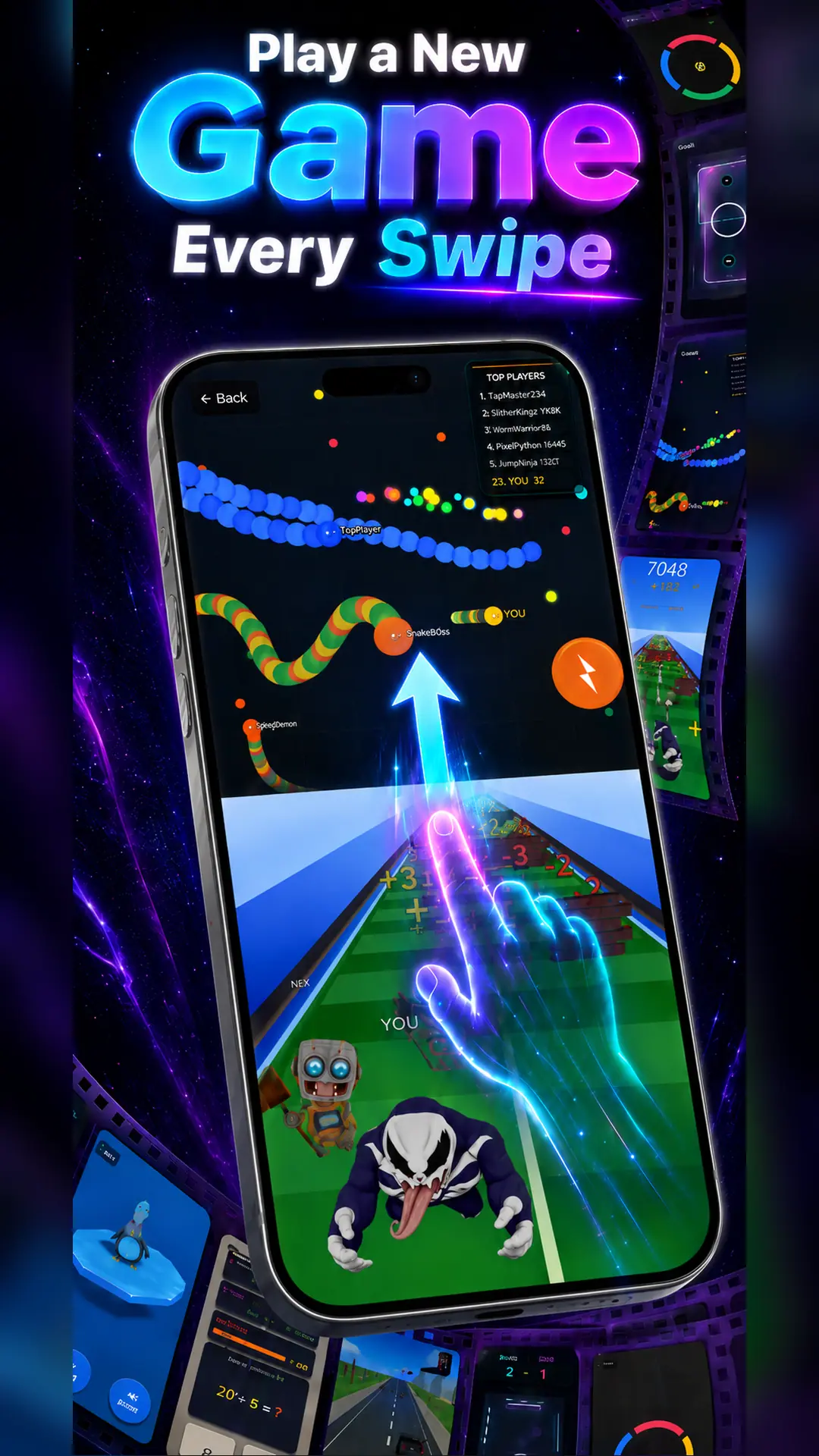
Swipe2Play is a strong iPhone choice for players who prefer many short challenges over one long game. Its swipeable mini-game reel includes reflex, driving, sports, running, brain, and survival experiences designed for offline-friendly play.

Get Swipe2Play on Google PlayDownload Swipe2Play on the App Store
Swipe2Play offline mini-games displayed in an iPhone game reel
Swipe2Play mascot

Quick answer

Install and open the app while connected before traveling. Downloaded mini-games can be played without active Wi-Fi, but Sign in with Apple, App Store purchases, account sync, ads, global rankings, and weekly collectible verification remain online.

What works offline?

A precise feature-by-feature answer

“Offline” describes the downloaded game sessions—not every service attached to the app. Here is the boundary in plain English.

Downloaded mini-games

Designed for offline play

Open downloaded games without an active Wi-Fi or cellular connection.

Leaderboards

Internet required

Scores and worldwide rankings need a connection to sync.

Accounts and purchases

Internet required

Sign-in, restore purchases, and subscription changes use online services.

Weekly collectibles

Connection required to sync

Progress and reward eligibility are verified online.

01

Prepare your iPhone for offline play

An App Store download can finish while some in-app content still waits to load. Open Swipe2Play and your preferred games on Wi-Fi, then switch on airplane mode and start a round. That simple test is the best way to avoid surprises underground or in the air.

  • Update iOS and the app before a long trip, not at the gate.
  • Launch your chosen mini-games once after updating.
  • Use airplane mode to test more than the home screen.
  • Reconnect later for Apple purchases, scores, and account sync.
02

Good iPhone games for one-handed sessions

Swipe2Play is portrait-first, which suits a phone held during a commute or a short wait. The vertical reel reduces menu hunting, while touch-focused games make it easy to understand the next action quickly.

Pencil Survival, Color Switch, Penguin Balance, and Math Quiz are particularly easy to treat as compact sessions. Worm Arena and the driving challenges offer more room for repeated practice.

03

Offline iPhone games and online rewards

The app separates moment-to-moment play from the systems that need a server. You can use downloaded games when connectivity is poor, then return to worldwide rankings and seasonal collectibles when the phone reconnects.

Premium is optional and is managed through the App Store. Subscription changes and restore-purchase actions cannot be completed without internet.

Swipe2Play daily worldwide leaderboard on iPhone

Inside Swipe2Play

Nine published games, nine different reasons to keep playing

This is the current published collection represented by the website. We count distinct game experiences—not levels, attempts, or a marketing number.

Truck Town

Driving and obstacle timing

Best for fast reaction runs.

Pencil Survival

Reflex survival

Best for short, high-pressure sessions.

Air Hockey 3D

Arcade sports

Best for quick score chasing.

Sprint Rivals

Runner

Best for speed and timing.

Space Signal

Space arcade

Best for focus and precision.

Math Quiz

Educational challenge

Best for mental warmups.

Color Switch

Color and timing

Best for one-more-try rounds.

Worm Arena

Arena survival

Best for longer competitive runs.

Penguin Balance

Balance and reaction

Best for light, playful sessions.

Direct answers

Frequently asked questions

What is a good offline games app for iPhone?+

Swipe2Play is a good fit for iPhone players who want multiple fast mini-games in one portrait-oriented, swipeable app.

Can I play Swipe2Play in airplane mode on iPhone?+

Downloaded mini-games are designed for offline play. Test them after installation because leaderboards, accounts, purchases, ads, and reward verification remain online.

Does Swipe2Play support iPad?+

Swipe2Play is designed to support iPhone and compatible tablet layouts, including iPad where available through the App Store listing.

Does Sign in with Apple work offline?+

No. Authentication and account linking require an internet connection, even when downloaded gameplay itself is available offline.

Download once. Keep a game ready.

Put a new challenge one swipe away

Get Swipe2Play for iPhone or Android. Prepare your games while connected, then play downloaded mini-games when Wi-Fi disappears.

Get Swipe2Play on Google PlayDownload Swipe2Play on the App Store